
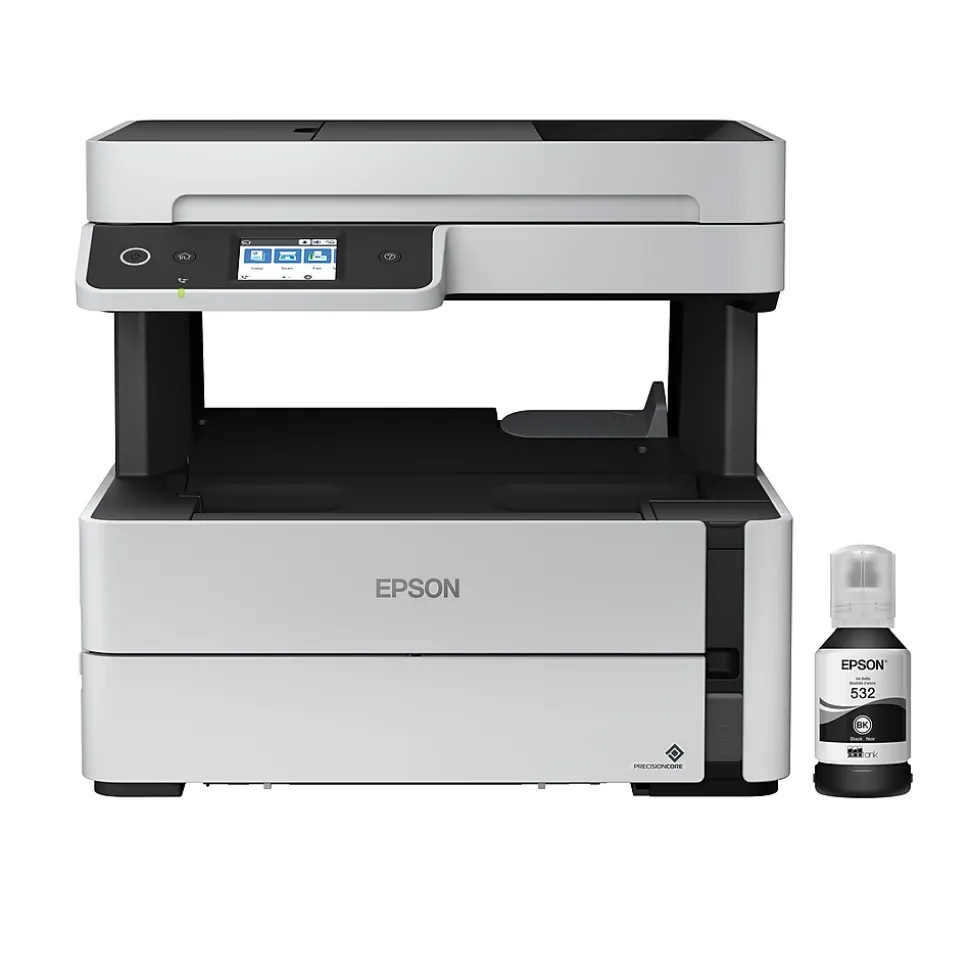







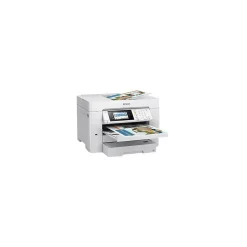
Epson EcoTank ET-M3170 Wireless Monochrome All-in-One SuperTank Printer
$134.89
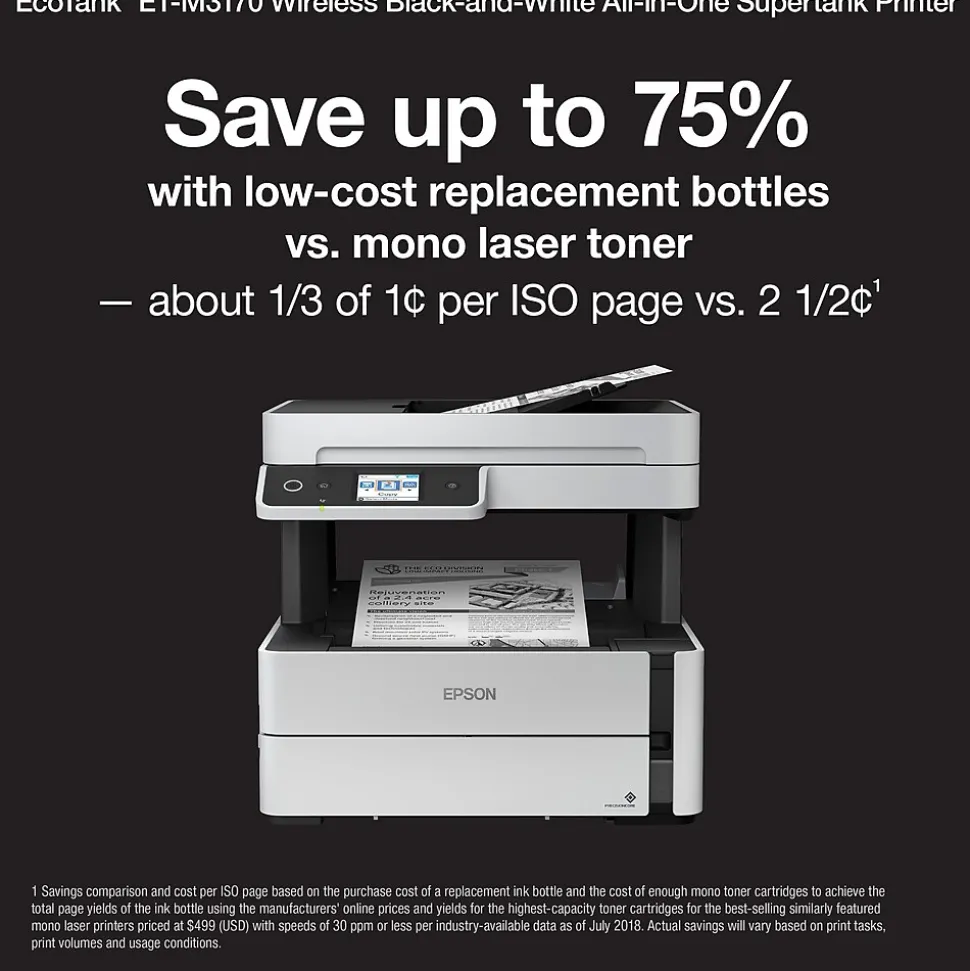
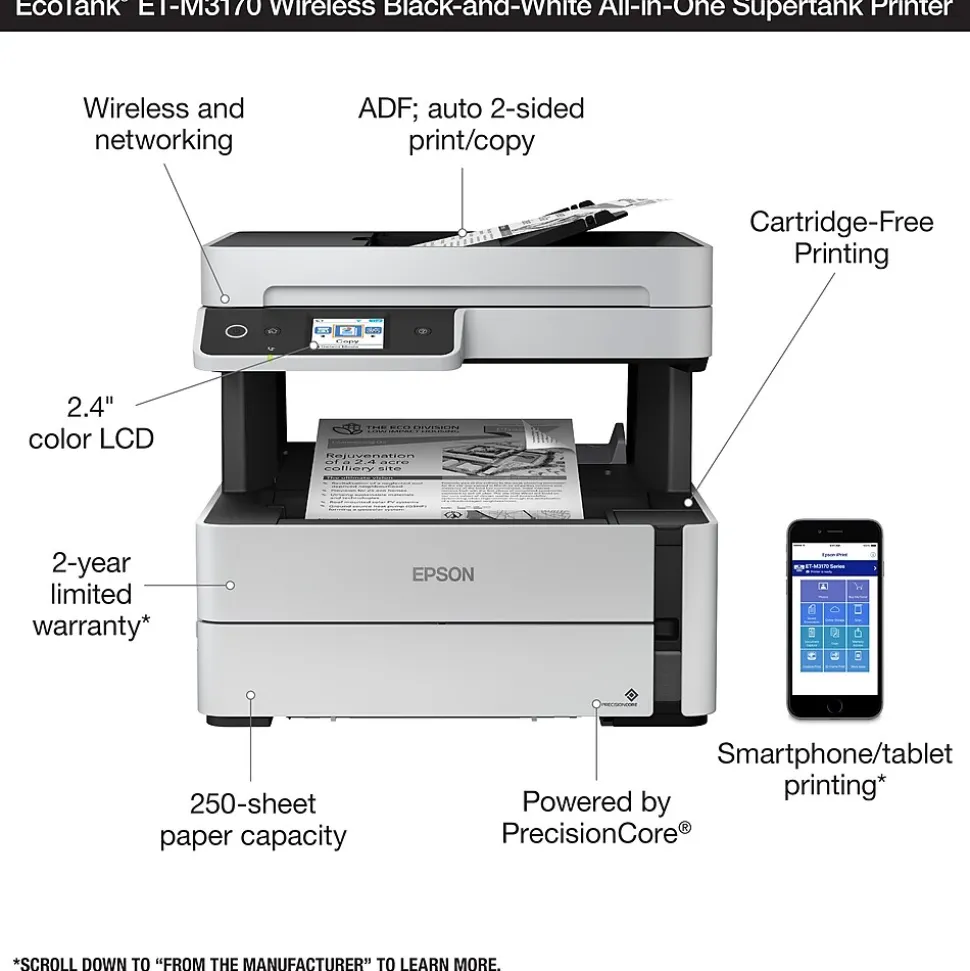
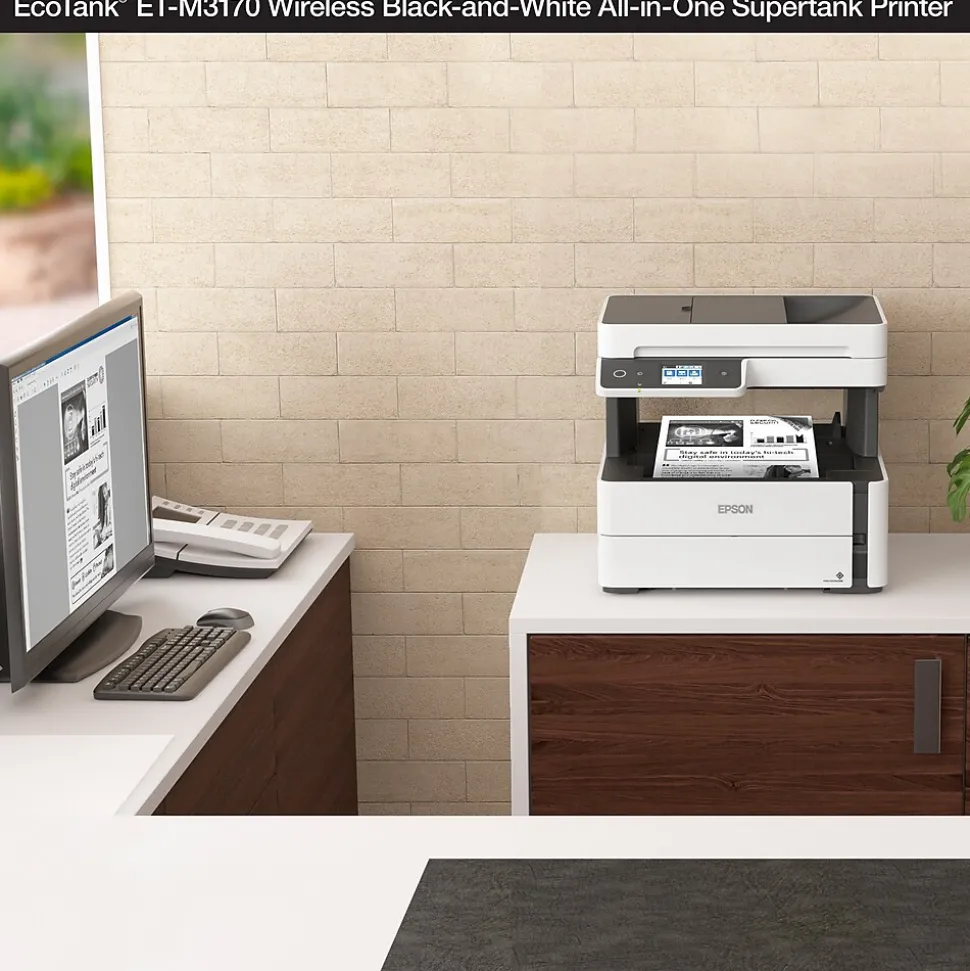
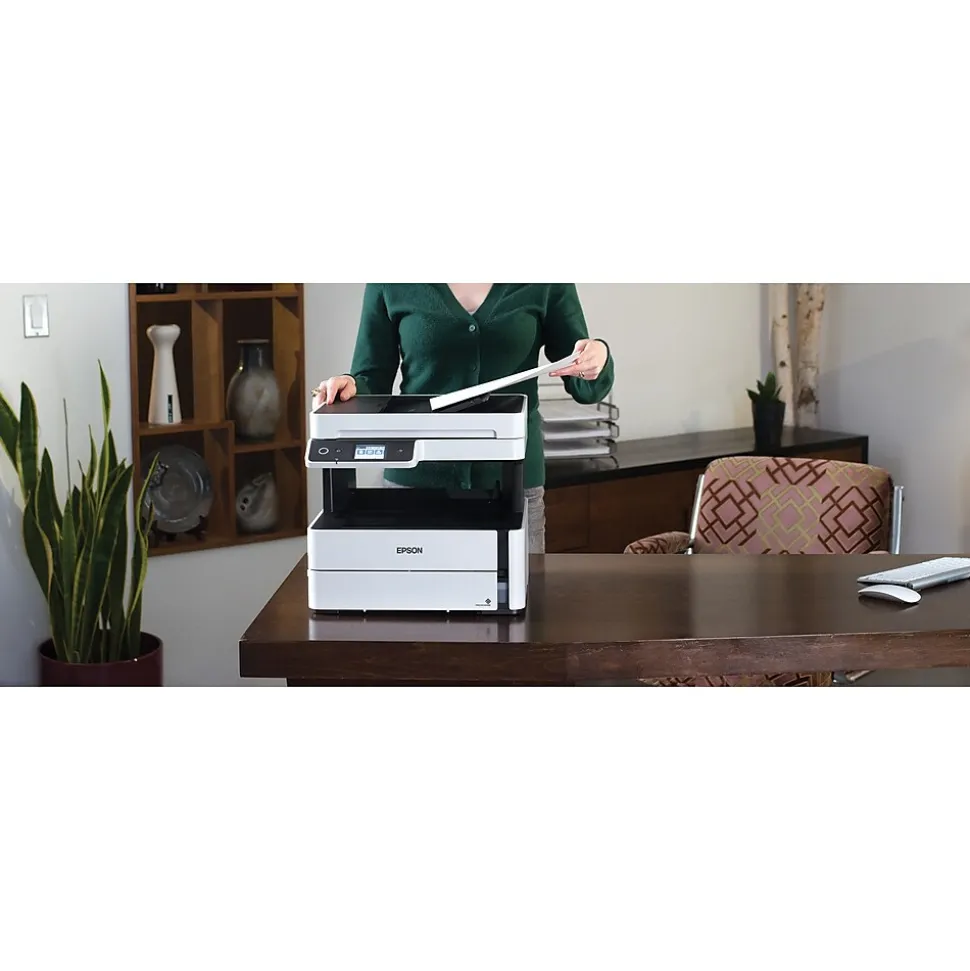
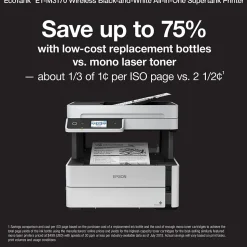
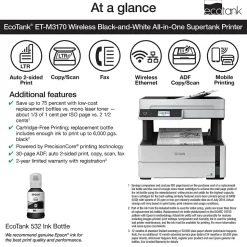
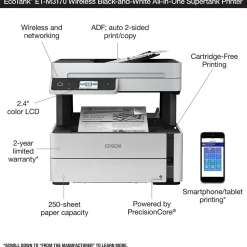
The EcoTank ET-M3170 monochrome supertank all-in-one printer, powered by PrecisionCore, offers worry-free, Cartridge-Free Printing with easy-to-fill, supersized ink tanks. Users save up to 75 percent with low-cost replacement bottles vs. mono laser toner — about 1/3 of 1 cent per ISO page vs. 2 ½ cents. The ET-M3170’s replacement ink bottle includes enough ink to print up to 6,000 pages. It features fast print speeds and a fast first page out. It also offers a 250-sheet paper tray, 35-page ADF, auto 2-sided printing, plus copying and scanning and wired and wireless networking. And, you save energy with lower power consumption vs. laser. And, it’s backed by a 2-year limited warranty with registration.
- Save up to 75 percent with low-cost replacement bottles vs. mono laser toner — about 1/3 of 1 cent per ISO page vs. 2 ½ cents
- Worry-free, Cartridge-Free Printing — replacement ink bottle includes enough ink to print up to 6,000 pages; one standard ink bottle included
- Powered by PrecisionCore printing technology — delivers ultra sharp text and remarkable image detail
- Do more — high-capacity 250-sheet paper tray; rear tray for specialty media; 35-page ADF; auto 2-sided print, plus copy, scan and fax; and, fast first page out
- Reliability you can count on — 2-year limited warranty with registration
- Easy touch-and-swipe setup and navigation — 2.4″ color touchscreen
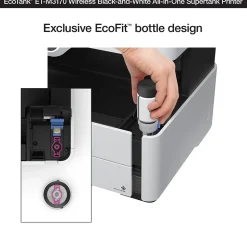
- Exclusive EcoFit bottle design — uniquely keyed for easy filling of each color
- Save energy — lower power consumption vs. laser
- Ultimate wireless — easily print from iPad, iPhone, Android tablets and smartphones; includes Wi-Fi Direct plus Ethernet; voice-activated printing
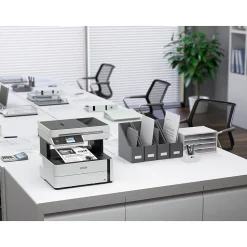
- Compact, space-saving design — fits into any office environment
- Genuine Epson Ink ― For genuine Epson quality; use of non-genuine ink could cause damage not covered under the printer’s limited warranty
| Attribute name | Attribute value |
|---|---|
| *key specs | |
| Printer Condition | EcoTank M3170 (Best) |
| Types of Display Printer Type specifies the printing technology. Inkjet printers use ink cartridges which output droplets of ink onto paper through the printhead nozzles. Laser printers use a laser beam to create an image onto a drum, which then transfers the image onto paper through powder toner cartridges. Dot Matrix printers use printheads made of pins which press ink-soaked ribbon onto paper to create images. Zero Ink printers utilize heat technology, not requiring an ink cartridge, toner or ribbon. | Inkjet |
| Printer Use Items of a particular grouping, as merchandised and labeled by a manufacturer | EcoTank Mono |
| Display Screen Size (Inches) Refers to whether or not a printer has built-in tanks for ink. This feature is specific to Tank printers and allows them to store high quantities of ink. Non-tank printers will be classified as “standard”. | Supertank |
| Printer Capability Refers to the primary capabilities of the printer in an abbreviated form. Can be either all-in-one (Print, Scan, Copy) with fax potentially included, or single function (Print Only). | All-In-One |
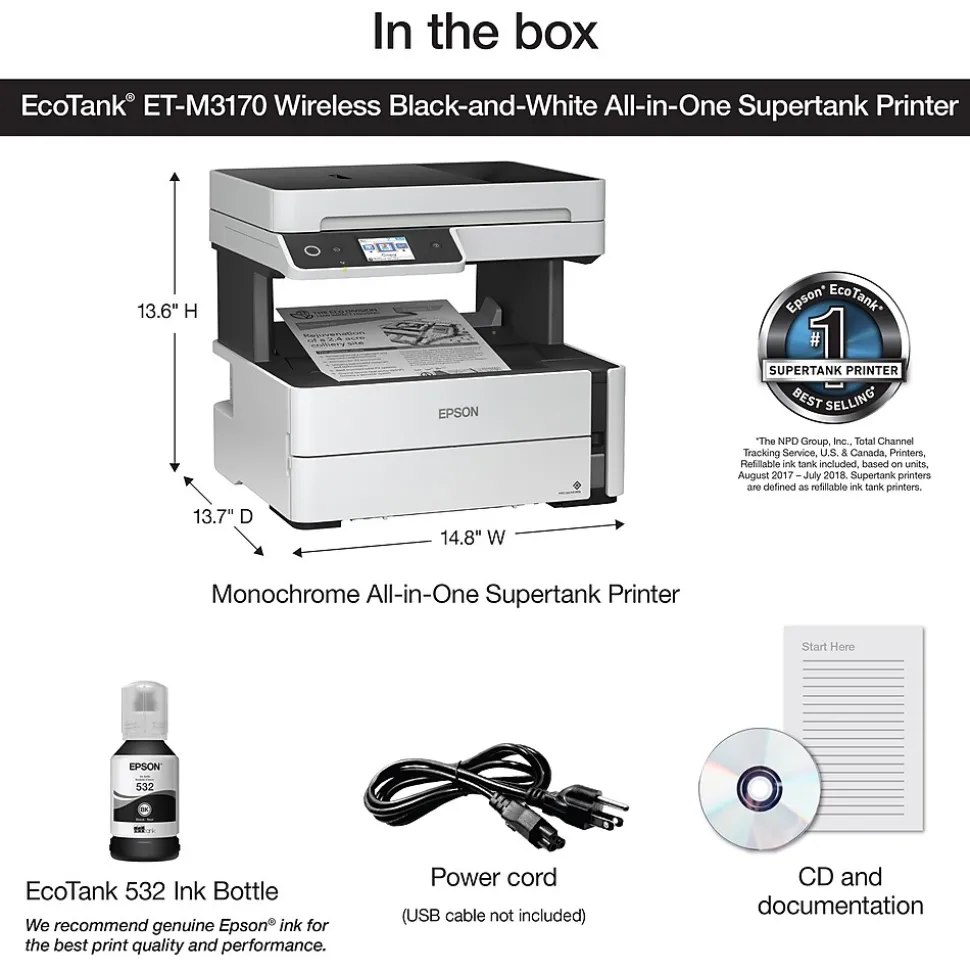
| Touch Screen Display | EcoTank ET-M3170 monochrome printer, manual, CD-ROM for product setup, power cord, 1x bottle 532 Black (120 mL) |
| connectivity | |
| Wireless Ready | Epson E-mail Print, Epson iPrint App (iOS, Android), Epson Remote Print, Google Cloud Print 2.0, AirPrint 1.8 |
| Printer Connectivity Mobile Device Printing allows a user to send files to the printer from their device (such as a phone or tablet) through a local wireless connection. | Mobile Device Printing Eligible |
| Network Ready Indicates what types of paper or material can be used in the printer. | Bright White Premium & Pro Paper, (Ultra Premium) Photo Paper Glossy & Semigloss, (Ultra Premium) Presentation Paper Matte – Double-sided |
| copy, scan, fax features | |
| Copy Enlargement % (Up to) Copy Resolution, measured in dots per inch (dpi), indicates the amount of detail the printer will produce in a copied document. The higher the dpi, the higher the quality of the print. | 600 x 600 dpi |
| Copy Reduction % (Up to) Refers to the maximum amount of copies that a device can create. | 99 |
| Black & White Copy Speed (cpm) Scanner resolution (or optical resolution), measured in dots per inch (dpi), refers to the amount of detail a scanner can capture. The higher the resolution, the higher the quality and sharpness of the scanned image. | 1200 x 2400 dpi |
| dimensions | |
| Weight (lbs.) The overall width of the product, measured left to right. | 14.8 |
| Depth in Inches The overall height of the product, measured top to bottom. | 13.6 |
| environmental | |
| ENERGY STAR certified A Staples program used to recognize products that meet specific environmental criteria with an Eco-ID icon. Learn more at EcoIDProgram.com | Yes, product meets Staples criteria for environmental features to earn the Eco-ID mark. Learn more at EcoIDProgram.com |
| output | |
| Output Type Absolute maximum number (or range) of pages the machine can print in any given month. | 5000 pages |
| Printer Output Capacity Auto feeder capacity refers to the number of sheets of paper the automatic document feeder on a device is capable of handling at one time. | 35 |
| Black & White First Page Out (seconds) | 1 |
| Supported Paper Sizes | 1 |
| Paper Input Capacity | 8.5″ x 14″ Legal |
| Automatic Document Feeder (ADF) The manufacturer specific information on the power source. | 100-240VAC, 50-60Hz |
| Power Consumption (Watts) Capable of printing on any size of photo paper. | Not Photo |
| Wide Format Compatibility Noise level, measured in decibels (dB), is the level of noise emission. The louder the noise, the higher the decibel level. | 56 |
| ISO Black & White Print Speed (ipm) Max print resolution, measured in dots per inch (dpi), refers to the maximum amount of detail in a printed image. The higher the resolution, the higher the quality and sharpness of the image. | 2400 DPI |
| Double Sided Printing The manufacturers suggestion for how many pages your printer can comfortably handle in a single month. | 800 pages |
| Black & White Print Speed | 2 Year Limited |
| additional details | |
| True Color The range of temperatures, typically given in degrees Celsius or Fahrenheit, within which the product can operate effectively without performance degradation. | 50-95 degrees Fahrenheit |
| Number of Users The range of humidity levels, typically expressed in percentages, within which the product can function properly without performance issues. | 20-80% |
| Printer System Requirements | Epson ESC/P-R |
| Printer Portability Portable printers allow a user to print on-the-go. This means the printer can operate without being plugged in, using an internal battery. | Standard |
Be the first to review “Epson EcoTank ET-M3170 Wireless Monochrome All-in-One SuperTank Printer”
Related products
Laser Printers
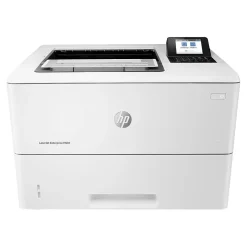
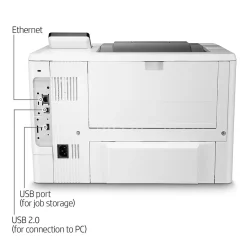
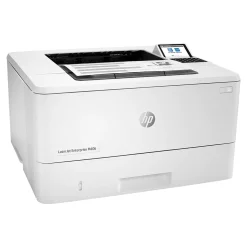
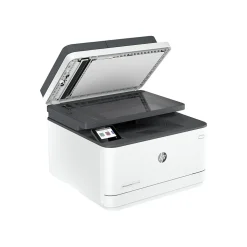
HP LaserJet Enterprise M507dn USB & Network Ready Black & White Laser Printer (1PV87A#BGJ)
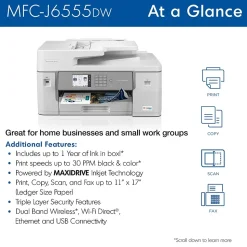
All-In-One Printers
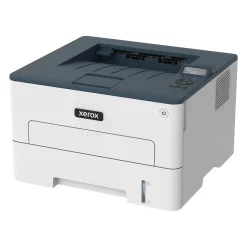
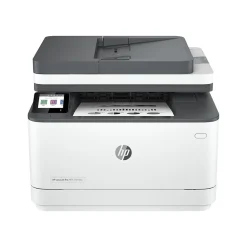
All-In-One Printers
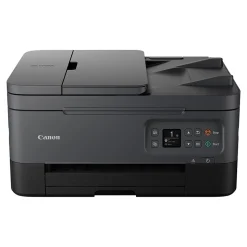
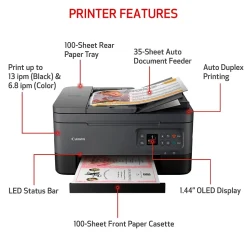
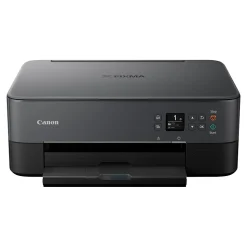
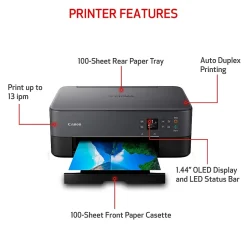
Canon PIXMA TS6420a Wireless Color Inkjet Printer, All-In-One, Print, Scan, Copy (TS6420A BLACK)
All-In-One Printers
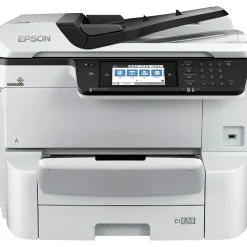
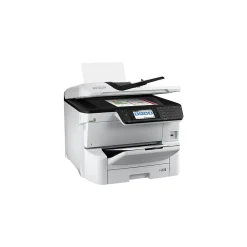
Epson WorkForce Pro WF-C8690 Wireless Color Inkjet All-In-One Printer (C11CG68201)
All-In-One Printers
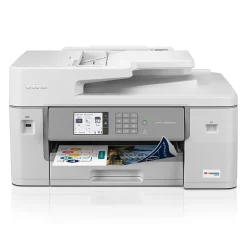
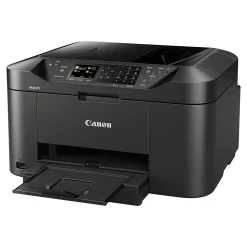
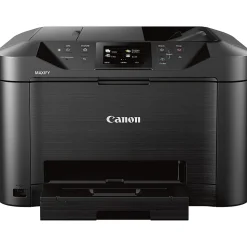
Canon MAXIFY MB5120 0960C002 USB, Wireless, Network Ready Color Inkjet All-In-One Printer
All-In-One Printers
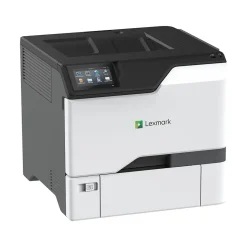
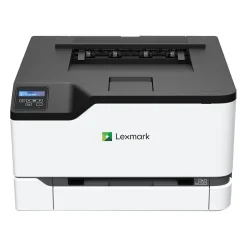
Lexmark CX431adw 40N9370 USB, Wireless, Network Ready Color Laser All-in-One Printer

Reviews
There are no reviews yet.