
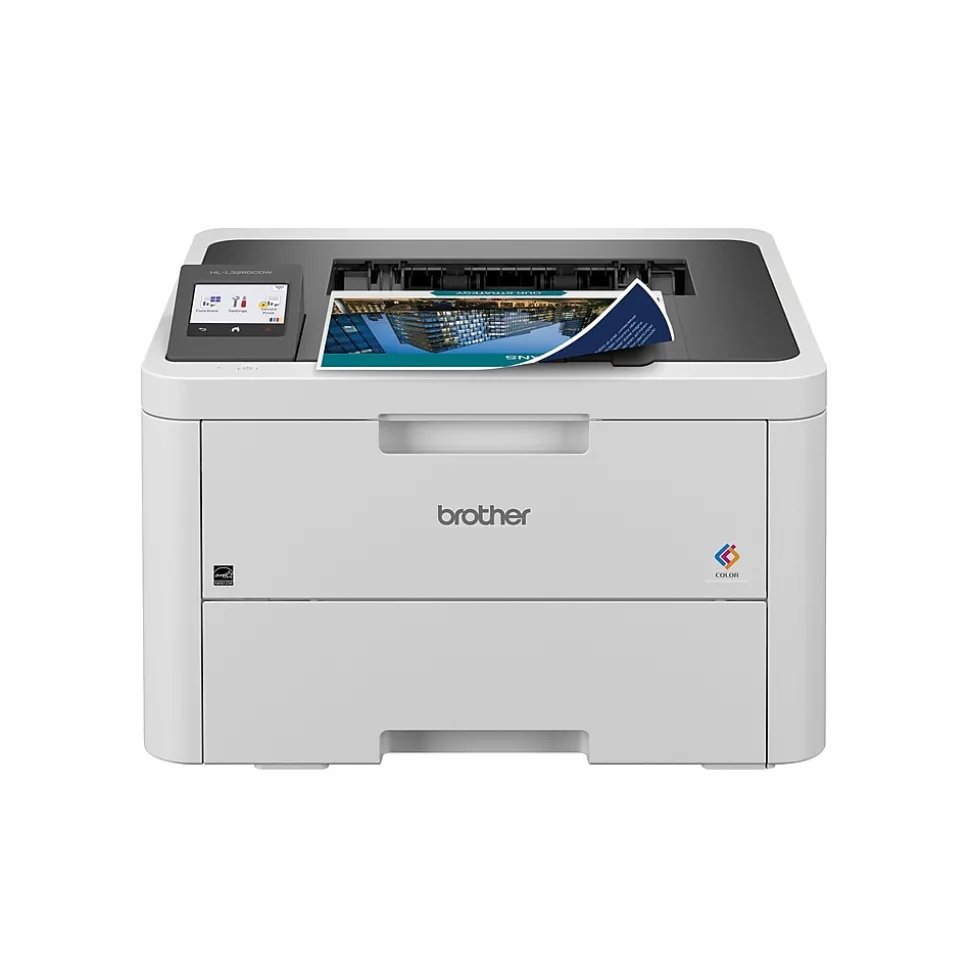



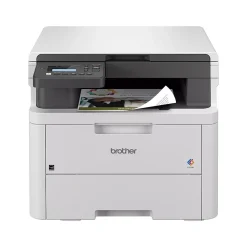
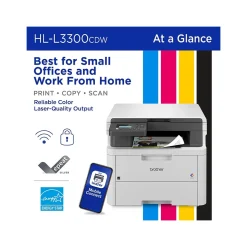
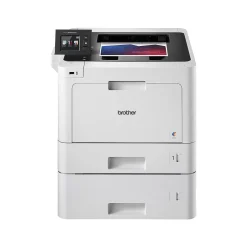
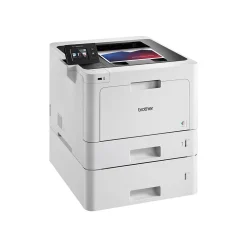
Brother HL-L3280CDW Wireless Color Laser Printer, Single-Function, Print (HLL3280CDW)
Original price was: $299.00.$132.89Current price is: $132.89.
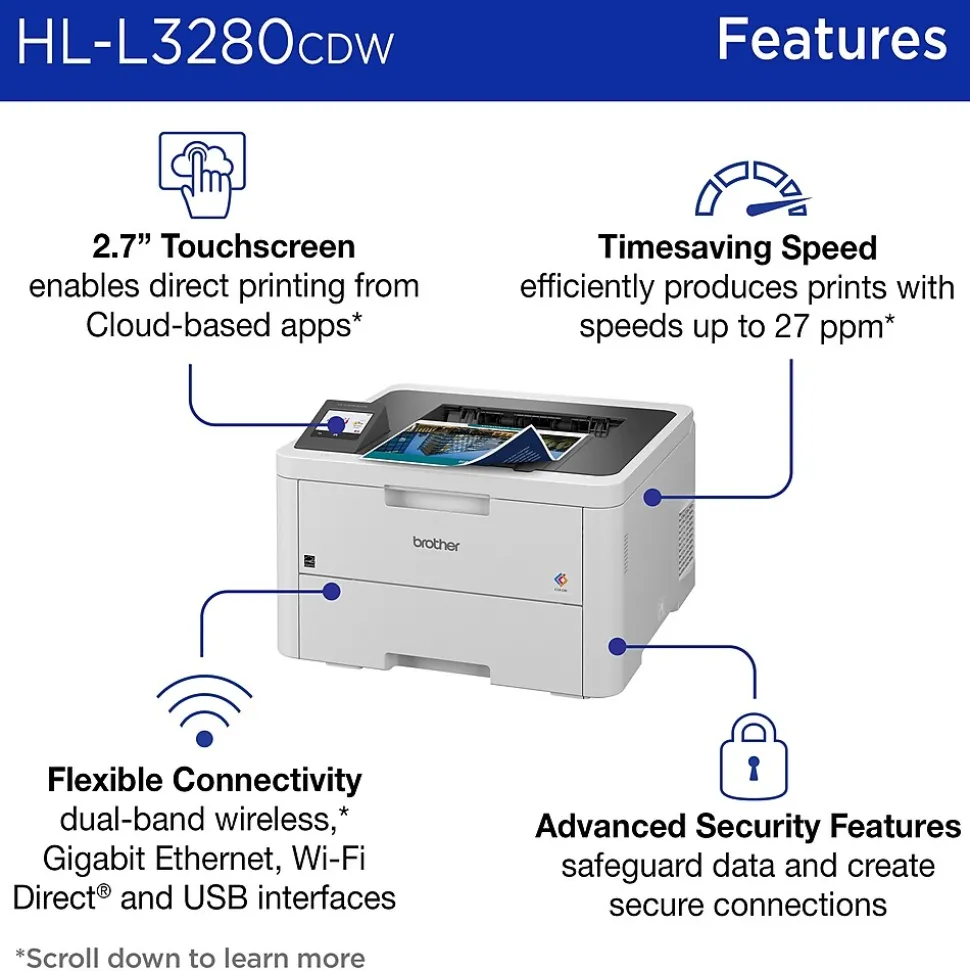
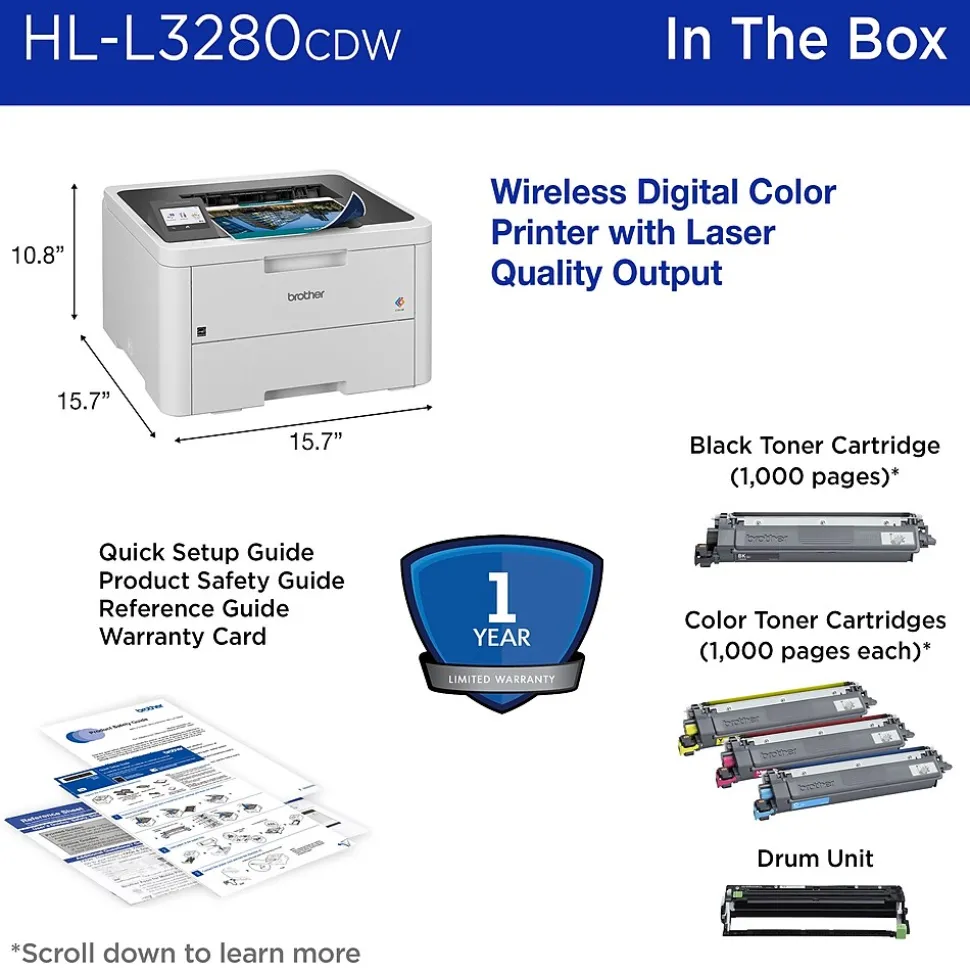
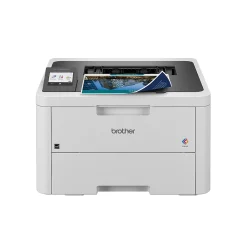
Engineered to optimize efficiencies while working from home or in offices or co-working spaces, the Brother HL-L3280CDW wireless digital color printer is compact, capable, and reliable. Combining steady connectivity options with consistent performance, this high-volume printer produces premium, smudge-free laser-quality documents that position you for success. It’s ready to get to work whenever you are with print-forward features including speeds up to 27 pages per minute (ppm)(1), an intuitive 2.7” touchscreen, dual-band wireless connectivity(2), and mobile device compatibility(3) for convenience, ease of use, and accessibility. Advanced security features safeguard sensitive data and offer peace of mind reassurance while printing. Engineered and supported by Brother, the HL-L3280CDW fits perfectly into any small, bustling workspace.
- UPGRADE YOUR PROFESSIONAL DOCUMENTS. With the consistent dependability of laser-quality digital color printing.
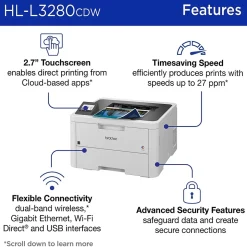
- MAXIMIZE EFFICIENCY WITH LASER FOCUSED FUNCTIONALITY. A compact, capable timesaver achieving print speeds up to 27 ppm.(1) With Automatic Duplex printing – the most efficient way to print double-sided pages.
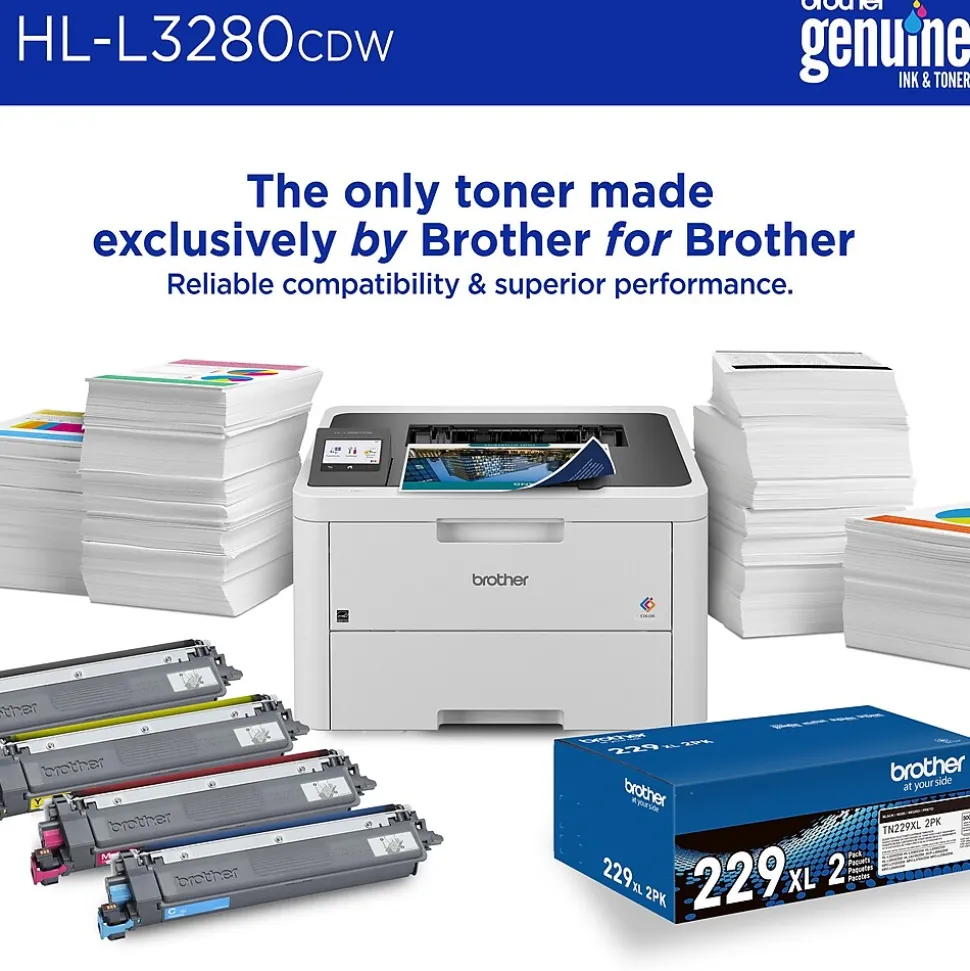
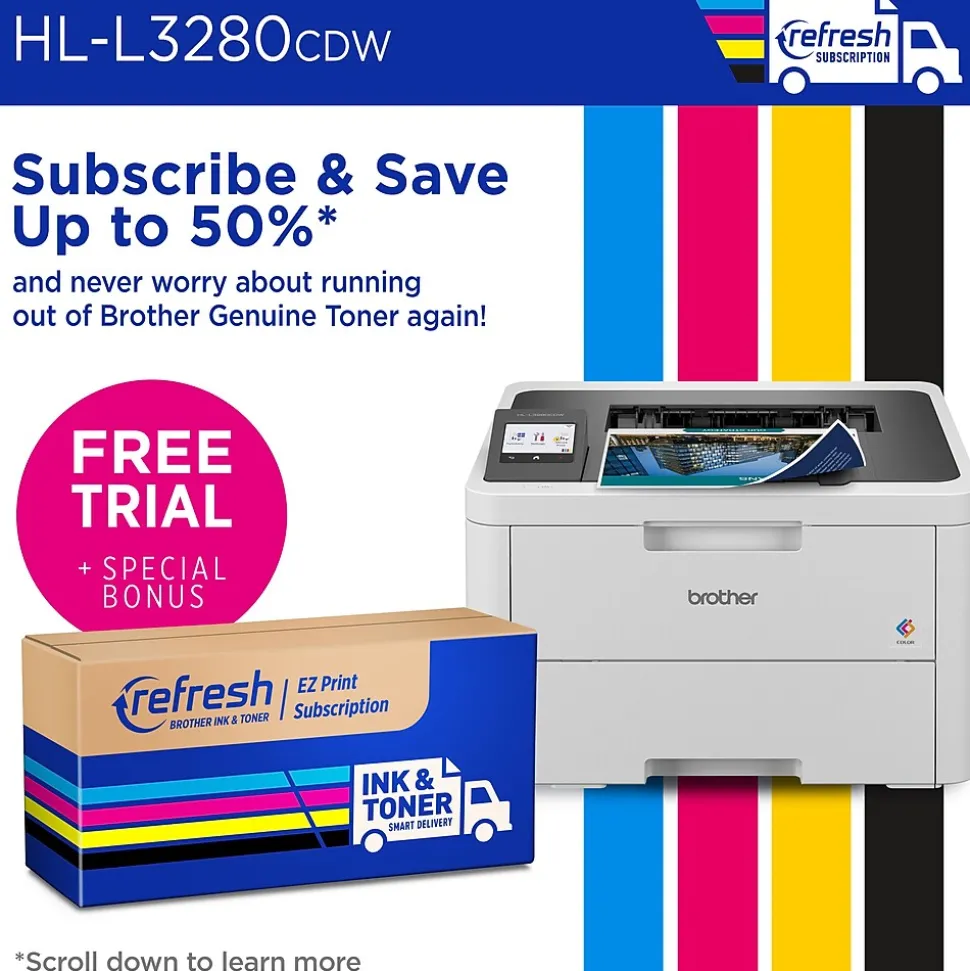
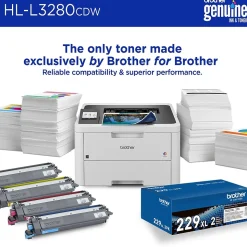
- RELIABLE RESULTS WITH BROTHER GENUINE TONER. When it’s time to replace your printer toner, be sure to choose Brother Genuine TN229 Standard Yield or TN229XL High Yield. And with Refresh EZ Print Subscription Service, you’ll never worry about running out of toner and you’ll enjoy savings of up to 50%(4) on Brother Genuine Toner. Get started with Refresh today with a Free Trial.(5) – https://www.staples.com/deals/brother-refresh/BI3000792
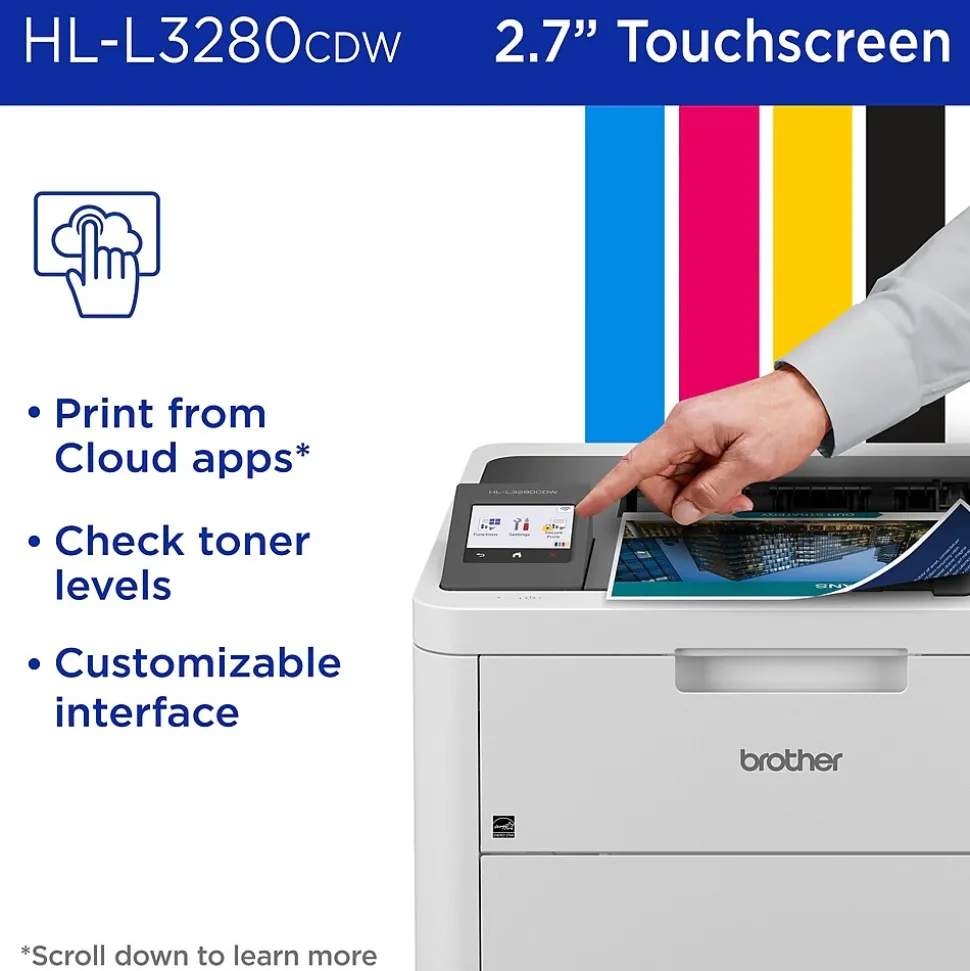
- PRINT FROM CLOUD-BASED APPS. An integrated 2.7” touchscreen allows users to print from Cloud-based apps including Google Drive™, Dropbox, EverNote, and others(6) commonly used by both businesses and entrepreneurs.
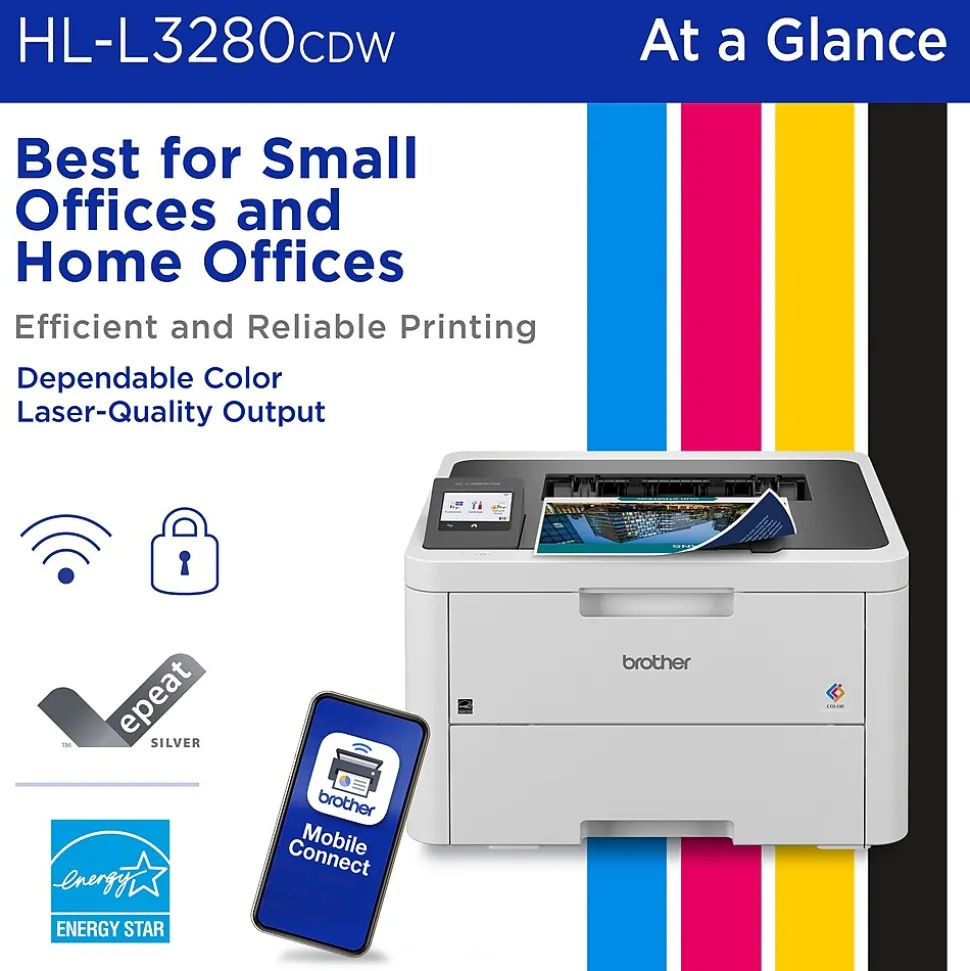
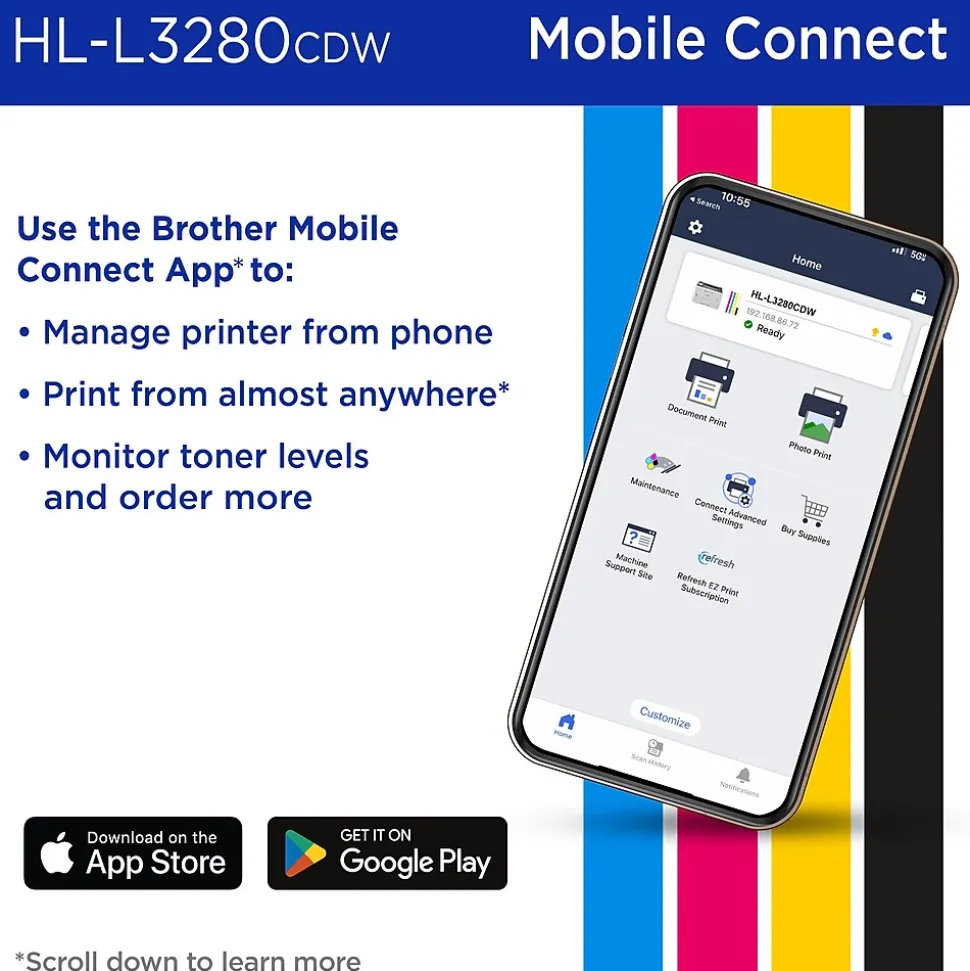
- PRINT FROM VIRTUALLY ANYWHERE. Brother Mobile Connect app puts the power of printer management in your hands. Print remotely, monitor toner levels, and reorder Brother Genuine supplies.(3)
- RELY ON STEADY CONNECTION OPTIONS. Connect with built-in dual band wireless (2.4GHz / 5GHz)(2), Gigabit Ethernet, and Wi-Fi Direct®, plus a USB interface for the ability to connect locally to a single computer.
- VERSATILE PAPER HANDLING. Save time, refill less, and complete high-volume printing effectively with a 250-sheet capacity paper tray.(7) The single-sheet manual feed slot is a useful feature for printing specialty media such as labels and envelopes.
- ADVANCED SECURITY FEATURES. Protect sensitive information and create secure connections to devices and networks for peace of mind printing.
- PRINT WITH PURPOSE. Engineered to be environmentally friendly, HL-L3280CDW is ENERGY STAR® compliant and EPEAT® Silver rated. Eco-friendly printer features include Eco Mode, Toner Save Mode, and automatic duplex printing.
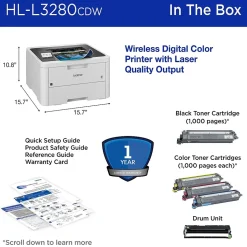
- BROTHER AT YOUR SIDE SUPPORT. Backed by Brother with a 1-year limited warranty and free online, call, or live chat support for the life of your printer.
| Attribute name | Attribute value |
|---|---|
| *key specs | |
| What’s in the Printer Box Indicates if the printer is new or refurbished. Refurbished printers are recycled printers with brand new parts. | New |
| Supertank Indicates the type of display panel on the product. | Color LCD |
| Display Screen Size (Inches) Refers to the recommended use case of each printer. Home printers are best for a household, whereas home office printers are best from work from home individuals or personal workspaces. | Home Office |
| Printer Function Printer Type specifies the printing technology. Inkjet printers use ink cartridges which output droplets of ink onto paper through the printhead nozzles. Laser printers use a laser beam to create an image onto a drum, which then transfers the image onto paper through powder toner cartridges. Dot Matrix printers use printheads made of pins which press ink-soaked ribbon onto paper to create images. Zero Ink printers utilize heat technology, not requiring an ink cartridge, toner or ribbon. | Laser |
| Family Model # Refers to the primary function(s) of the printer: Instant Photo (specific to portable photo printers), Print only (also known as single function), Print, Scan, Copy (also known as all-in-one), or any combination of Print, Scan, Copy, and Fax. | |
| Touch Screen Display A wireless ready printer (or Wi-Fi printer) uses a wireless internet connection to receive information from a computer or other device. A wired printer requires a cable for a direct connection to a computer or network. | Wireless |
| Mobile Printing Apps Refers to the methods that can be used to print from the printer. For example, a USB and Wireless printer can be connected to either wirelessly or through a USB cord to print a document. | USB, Wireless, Network Ready |
| Mobile Device Printing Indicates what types of paper or material can be used in the printer. | Plain paper/thin paper/thick paper/recycled paper/bond/label/envelope/thin envelope/thick envelope/glossy paper |
| Network Ready Copy Resolution, measured in dots per inch (dpi), indicates the amount of detail the printer will produce in a copied document. The higher the dpi, the higher the quality of the print. | 2400 x 600 dpi |
| Scanner Resolution Copy Resolution, measured in dots per inch (dpi), indicates the amount of detail the printer will produce in a copied document. The higher the dpi, the higher the quality of the print. | 2400 x 600 dpi |
| dimensions | |
| Weight (lbs.) The overall height of the product, measured top to bottom. | 10.8 |
| Depth in Inches The overall width of the product, measured left to right. | 15.7 |
| output | |
| Maximum Printer Monthly Duty Cycle Indicates the number of printed pages the printer output tray can hold. | 150 sheets |
| Output Type | Letter/legal/Mexican legal/India legal/executive/A5/A5 long edge/A6/B5/B6/A4 short/folio/3.0″-8.5″W x 4.57″-14″L |
| Standard Number of Paper Trays An automatic document feeder (ADF) is a mechanism that feeds multiple sheets of paper into a device in a single operation. | No |
| Paper Input Capacity | 2 |
| Printer Max Paper Size The manufacturer specific information on the power source. | 110-120 V AC 50 / 60 Hz |
| print features | |
| Photo Capable Indicates whether machine supports printing on media with widths between 18 and 100 inches. | No |
| Borderless Printing Noise level, measured in decibels (dB), is the level of noise emission. The louder the noise, the higher the decibel level. | 47 |
| Max Print Resolution (dpi) Double sided printing (also known as duplexing) is a feature that allows printers to print on both sides of the paper. Can either be manual, meaning the user will need to refeed the page in order to print on the other side, or automatic, where the printer will do the work for you. | Automatic |
| Black & White Print Speed Print Speed, measured in pages per minute (PPM), specifies the amount of color pages that the printer can produce within 60 seconds. | 21 to 30 PPM |
| Monthly Printer Volume The manufacturers suggestion for how many pages your printer can comfortably handle in a single month. | 3000 pages |
| warranty | |
| Printer Warranty The range of temperatures, typically given in degrees Celsius or Fahrenheit, within which the product can operate effectively without performance degradation. | 50 – 90 degrees F |
| Printer Memory Actual manufacturer name for the color of the product. | White/Black |
| Number of Users Indicates the type of processor and processor speed the printer has, measured in gigahertz (GHz) or megahertz (MHz). | 800MHz |
| Operating Humidity Range Portable printers allow a user to print on-the-go. This means the printer can operate without being plugged in, using an internal battery. | Standard |
Be the first to review “Brother HL-L3280CDW Wireless Color Laser Printer, Single-Function, Print (HLL3280CDW)”
Related products
All-In-One Printers
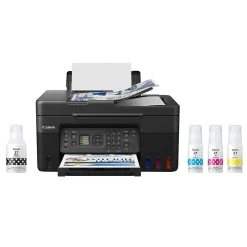
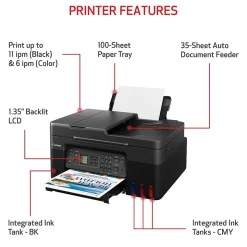
Canon MegaTank PIXMA G4270 Wireless Color All-in-One Inkjet Printer (5807C002)

Printer Imaging Kits
All-In-One Printers
HP LaserJet Enterprise Flow MFP M634h 7PS95A#BGJ Black & White Laser All-in-One Printer
All-In-One Printers
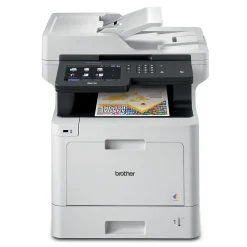
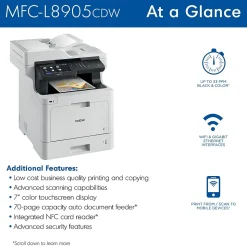
Brother MFC‐L8905CDW Wireless Color Laser Printer, All-In-One, Print, Scan, Copy, Fax
Laser Printers
All-In-One Printers
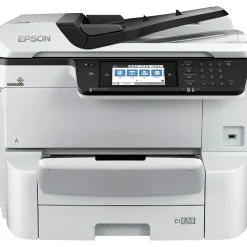
Epson WorkForce Pro WF-C8690 Wireless Color Inkjet All-In-One Printer (C11CG68201)
All-In-One Printers
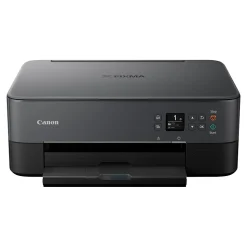
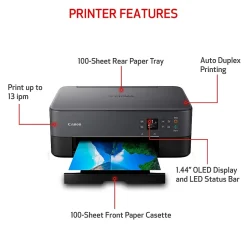
Canon PIXMA TS6420a Wireless Color Inkjet Printer, All-In-One, Print, Scan, Copy (TS6420A BLACK)
All-In-One Printers
Canon MAXIFY MB5120 0960C002 USB, Wireless, Network Ready Color Inkjet All-In-One Printer

Reviews
There are no reviews yet.